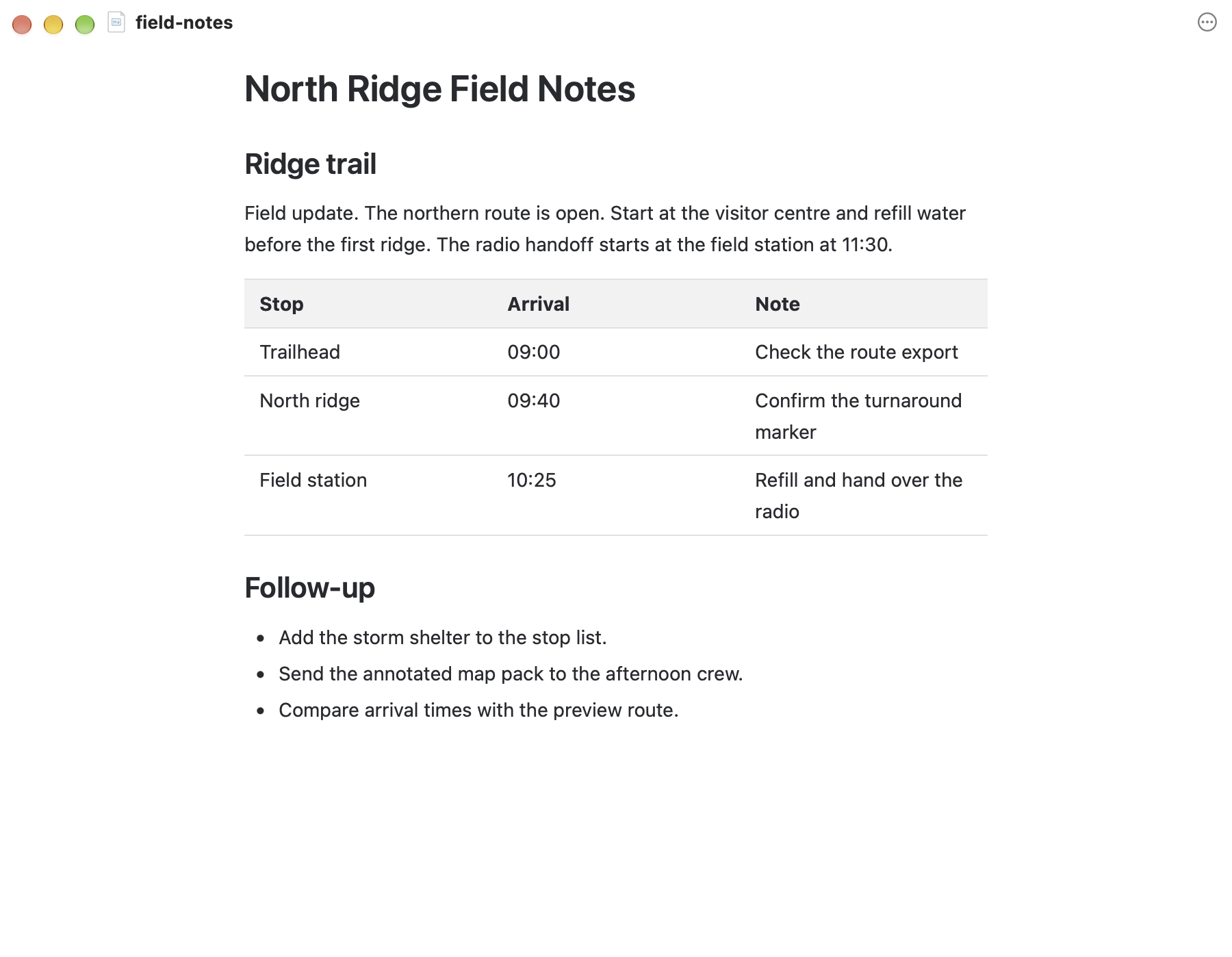
How do I preview Markdown in Finder?
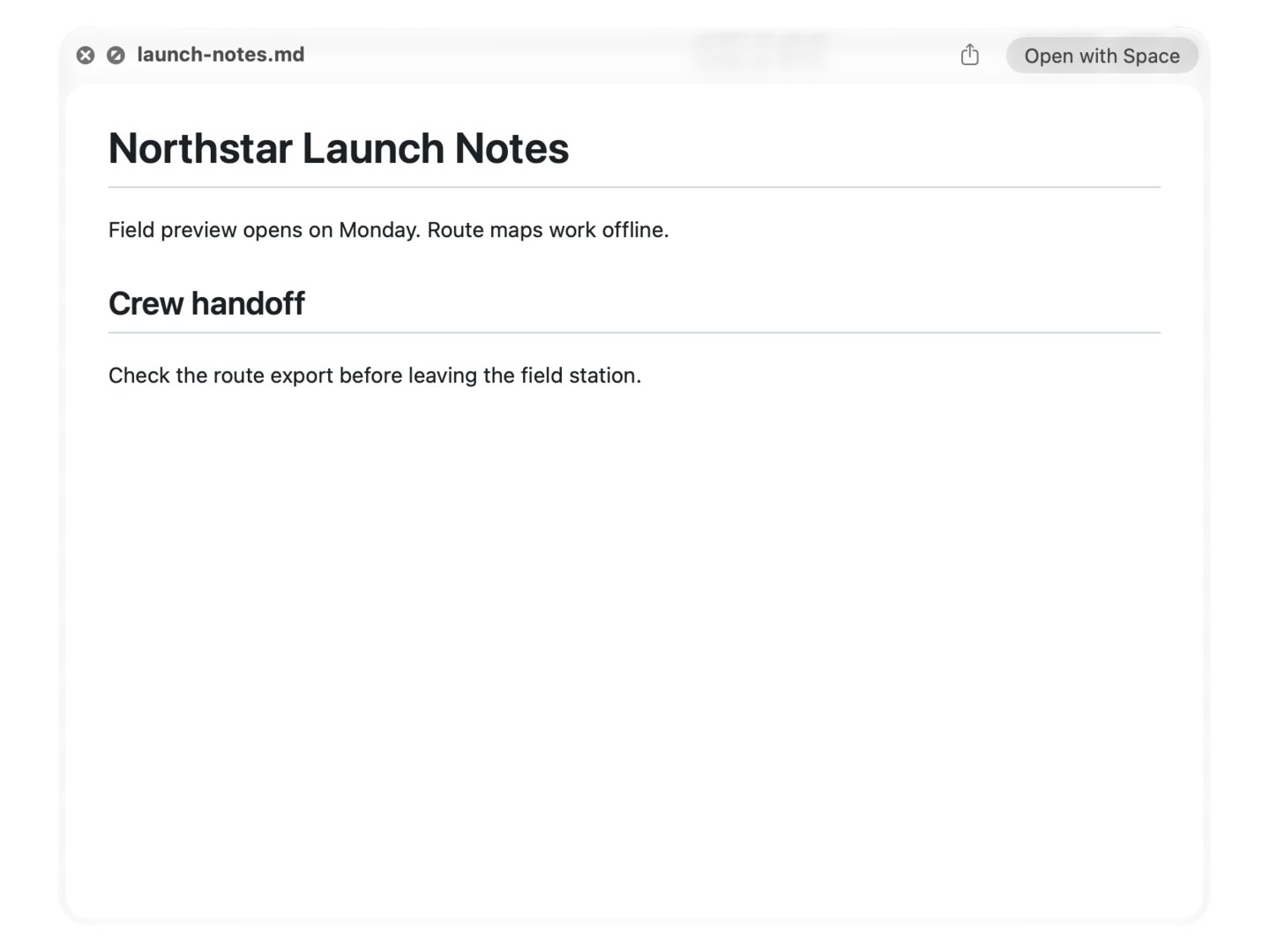
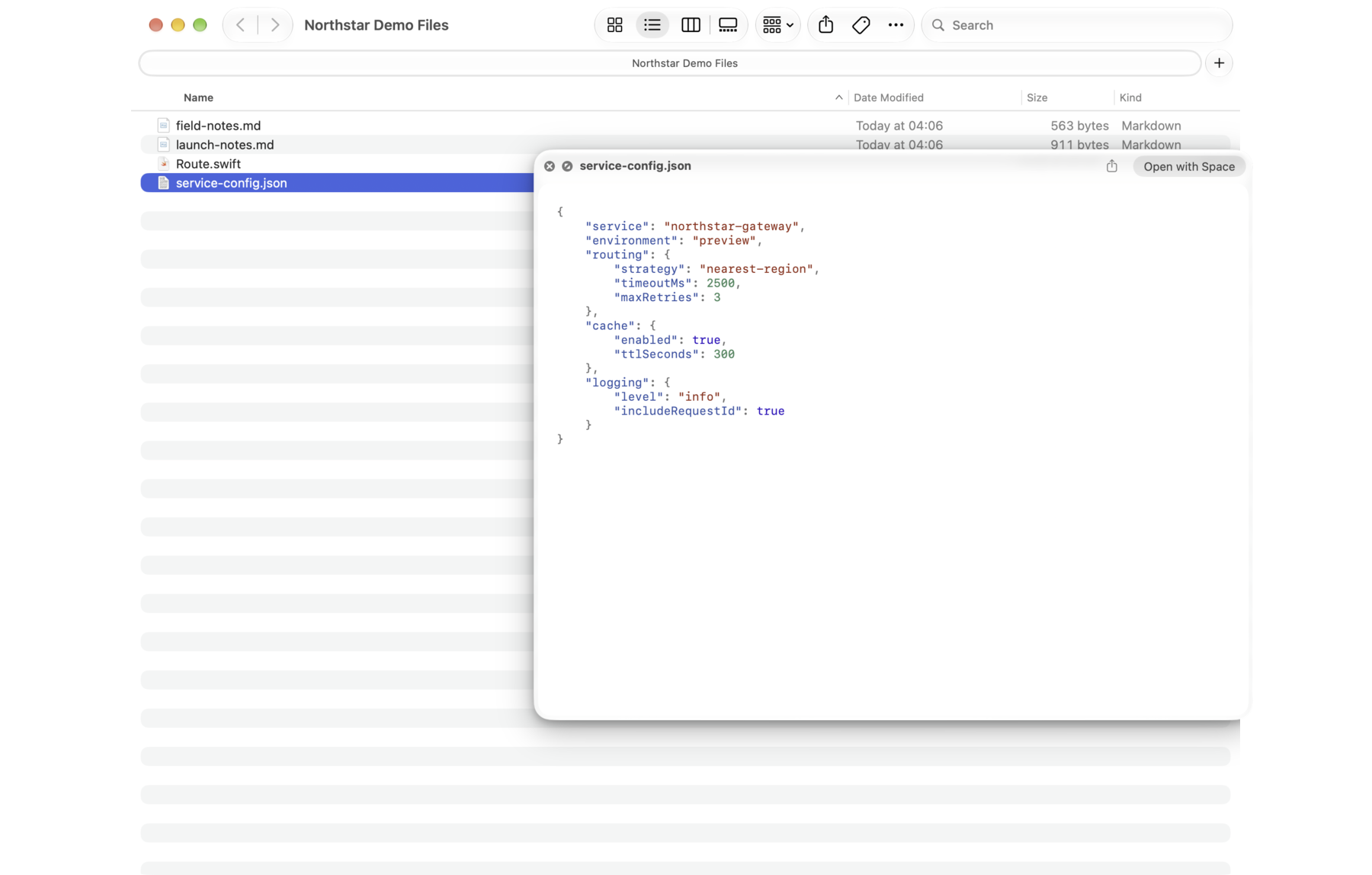
With the Space Quick Look extension enabled, select a Markdown file in Finder and press the Space bar to see a read-only preview. Set up Quick Look
Can I edit without losing the Markdown source?
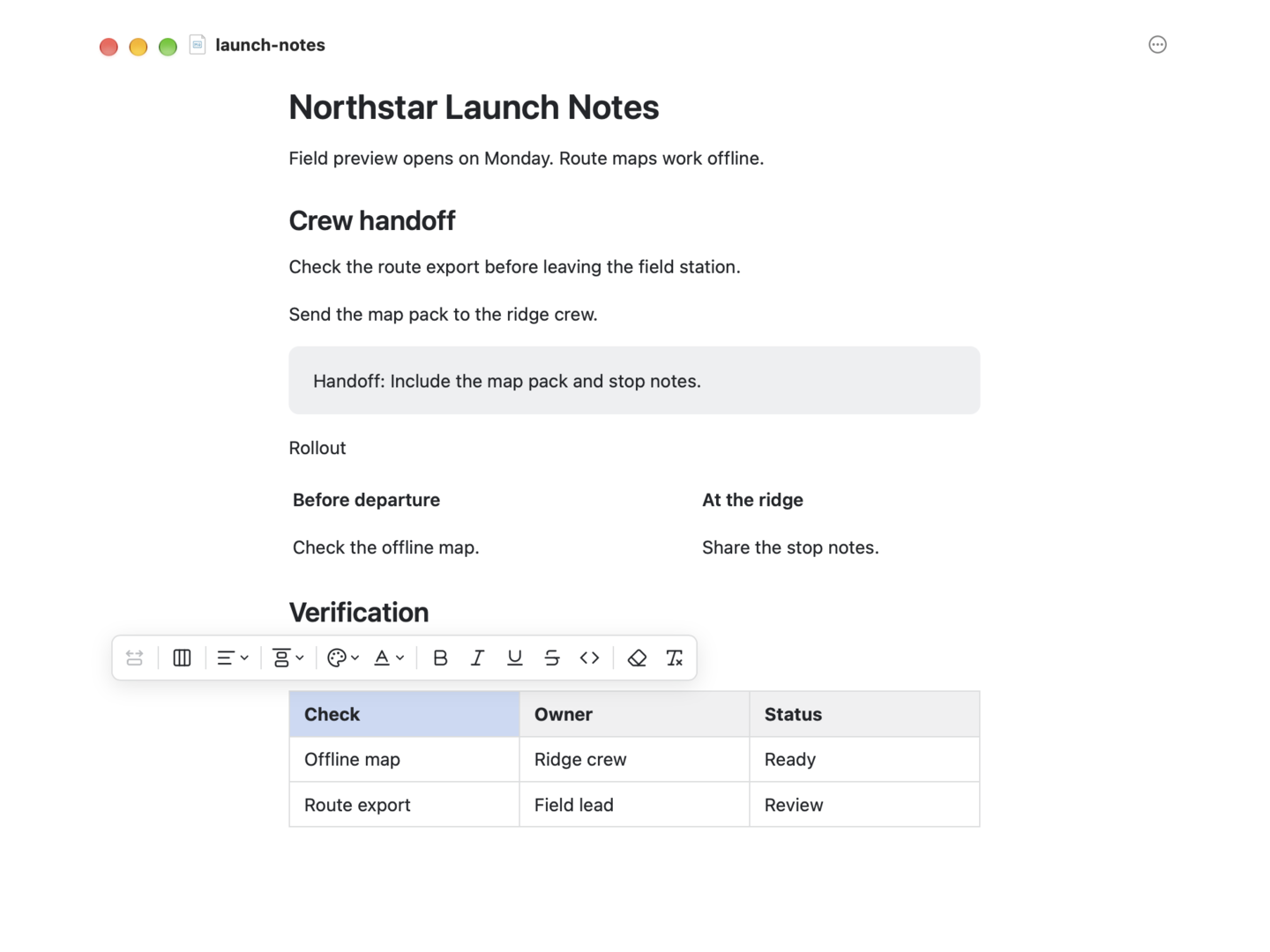
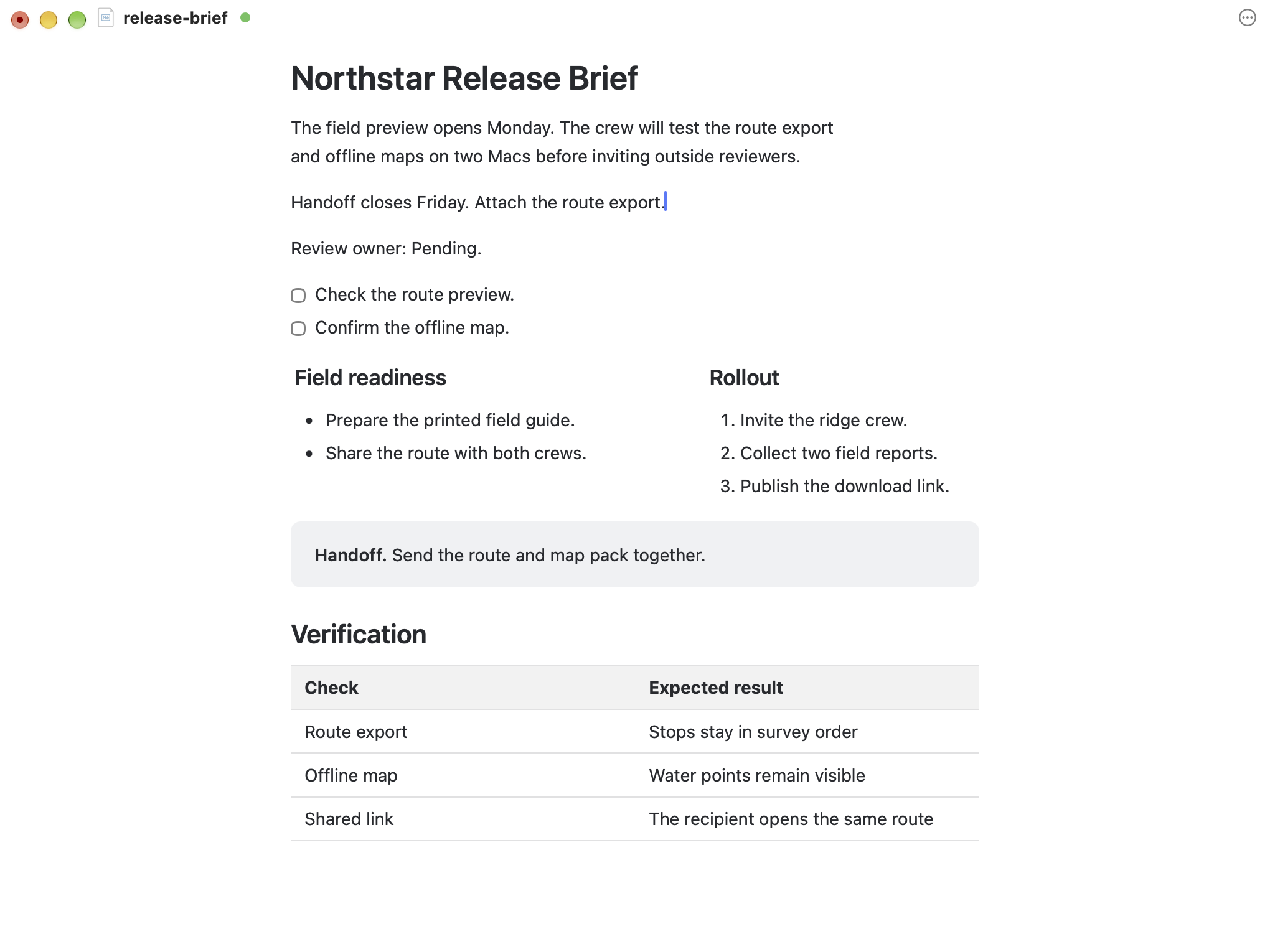
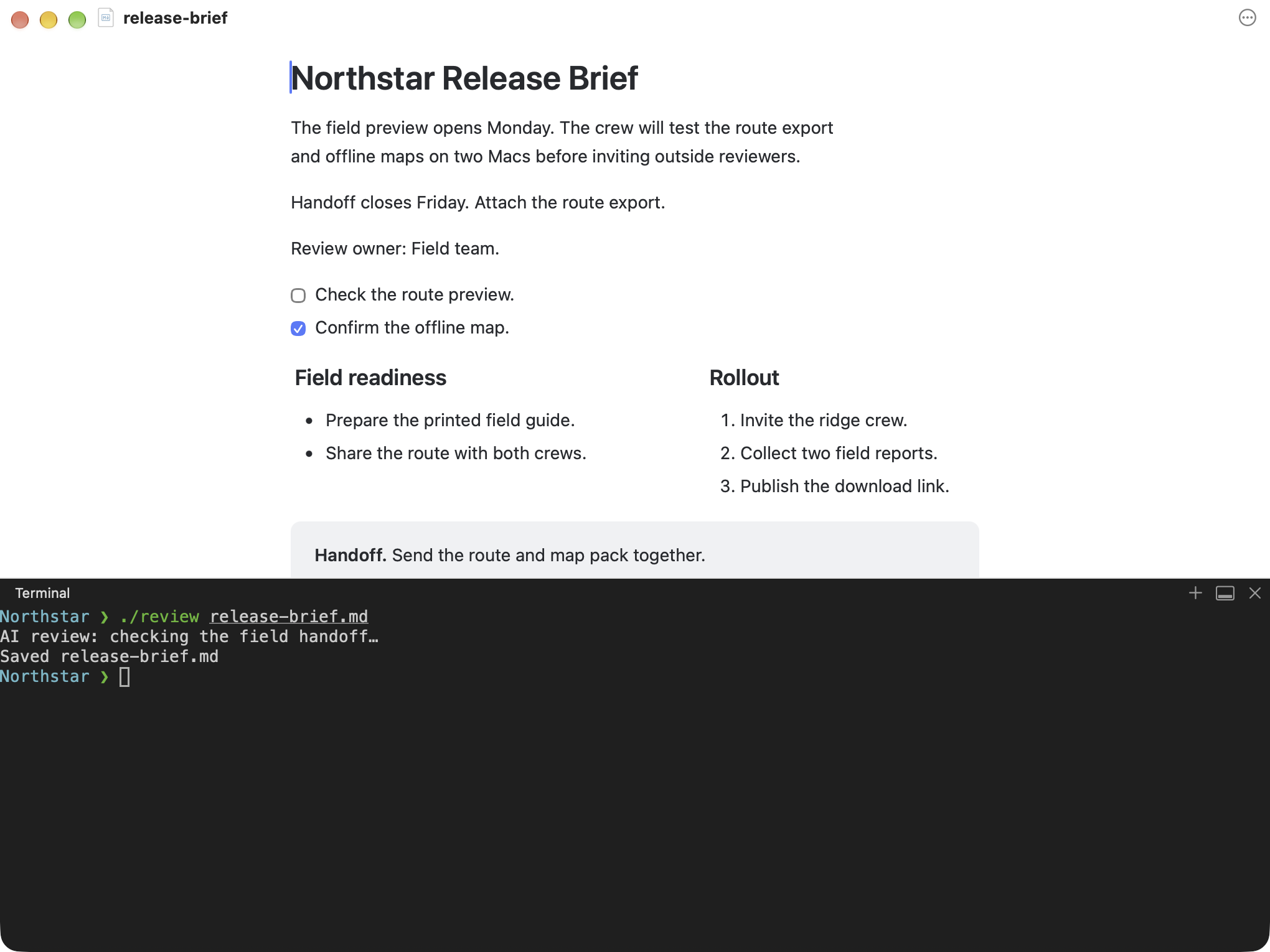
Yes. Edit headings, columns, highlights and diagrams in the rendered page; Space writes the result back to ordinary Markdown. See Markdown editing
What is Space for Mac?
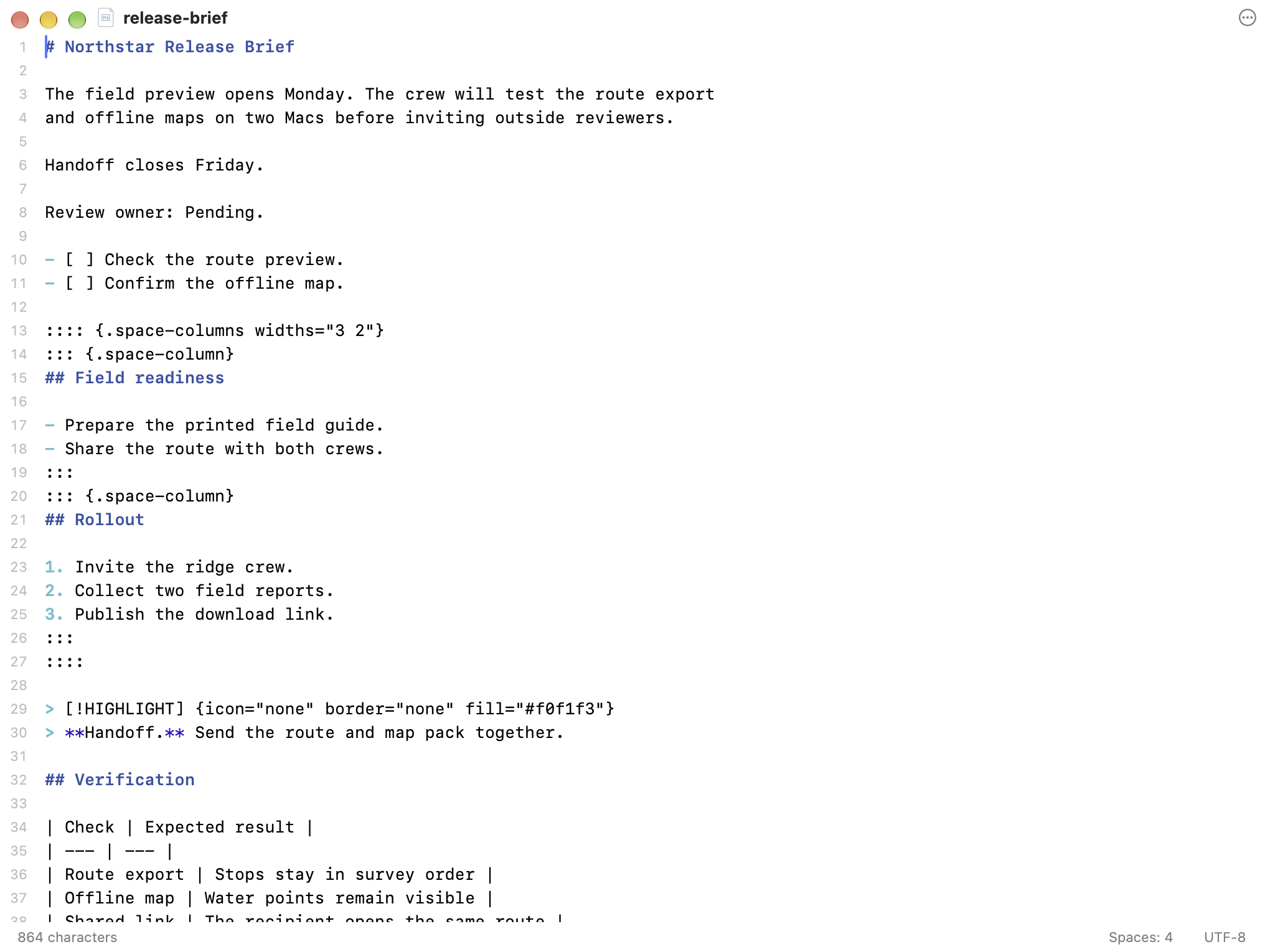
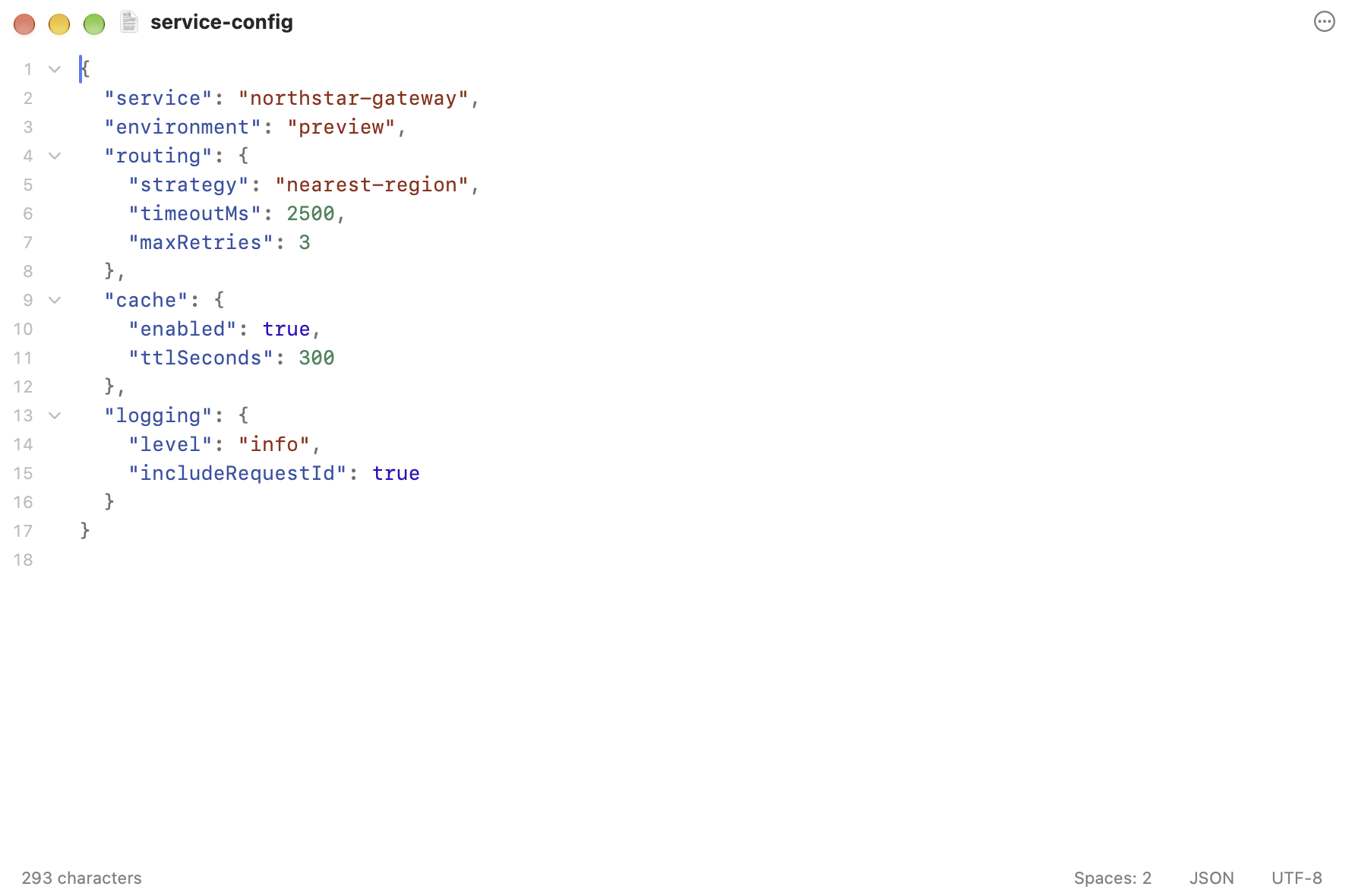
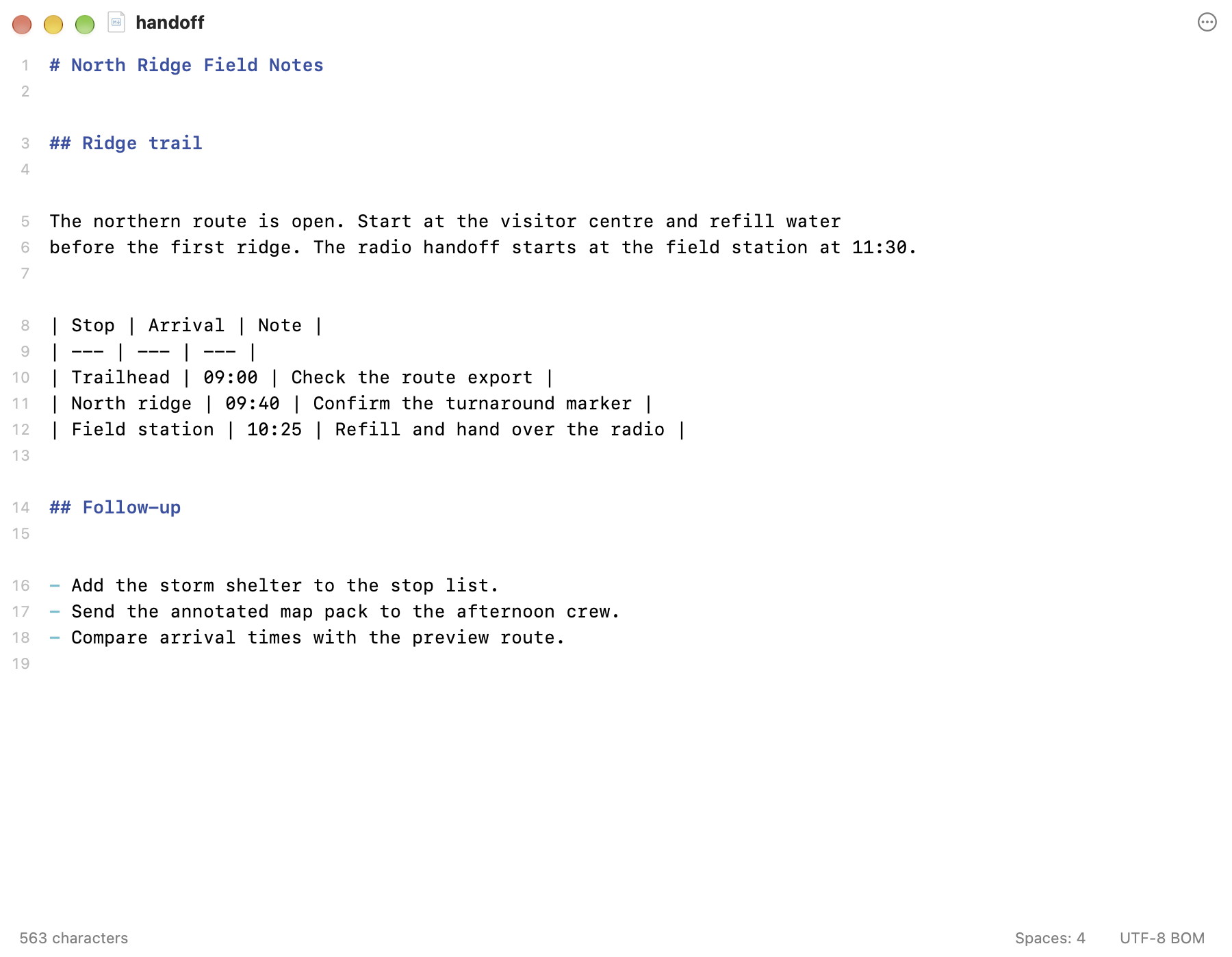
Space for Mac is a native editor for Markdown, code, JSON, and logs. Its official site is spacetext.app. See supported files
How does Space handle very large files?
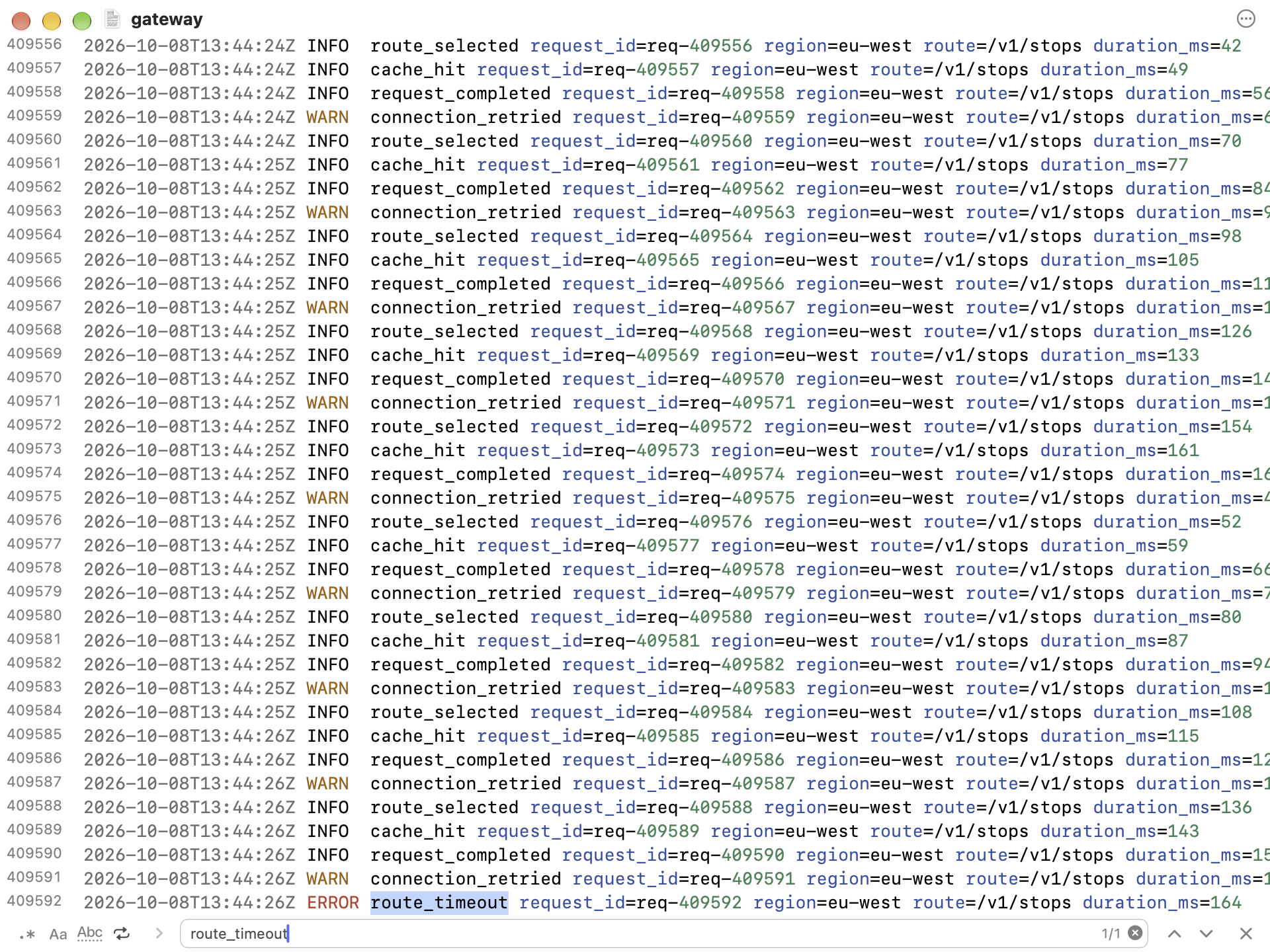
Open logs, source and data files without waiting for every row to load. Visible content appears first while indexing catches up. Read the large-file workflow
Can Quick Input send text into the app I am using?
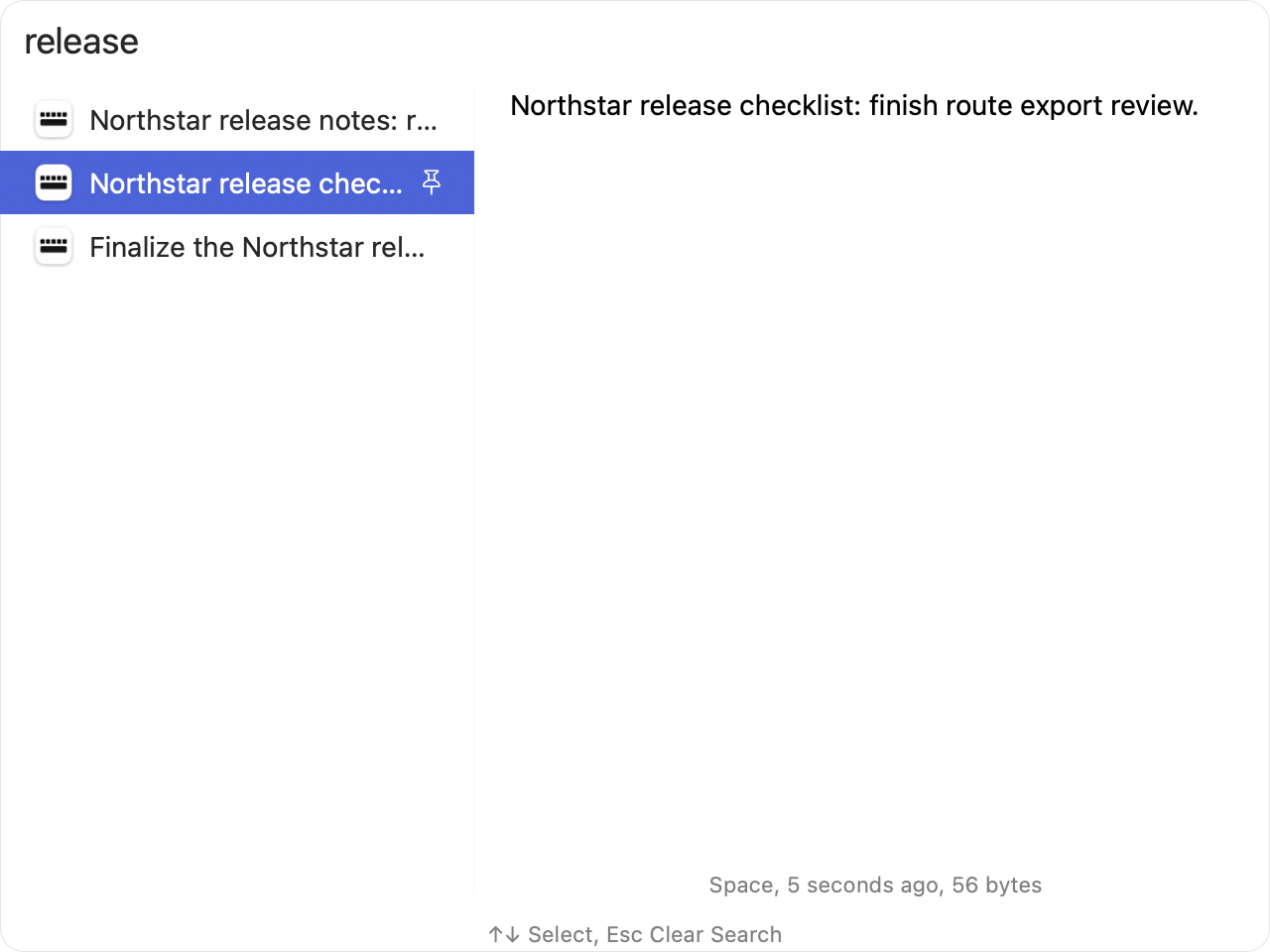
Yes. Draft multiline text in a floating panel, then send it straight to the focused input without leaving a temporary document. See Quick Input
Can command-line tools edit files that are open in Space?
Yes. Expose saved files to a session folder, run your tool or agent, and watch external changes return in the open document. See Terminal sessions