

Overview
Space is a native Mac editor for Markdown, code and data. Begin with a file you already have.
Start with your first file
Section titled “Start with your first file”Preview in Finder
Section titled “Preview in Finder”Select the file and press Space. Install and enable Quick Look or look up preview formats.
Edit in Space
Section titled “Edit in Space”Choose Open with Space from Quick Look or use File > Open…. Edit and save an ordinary file.
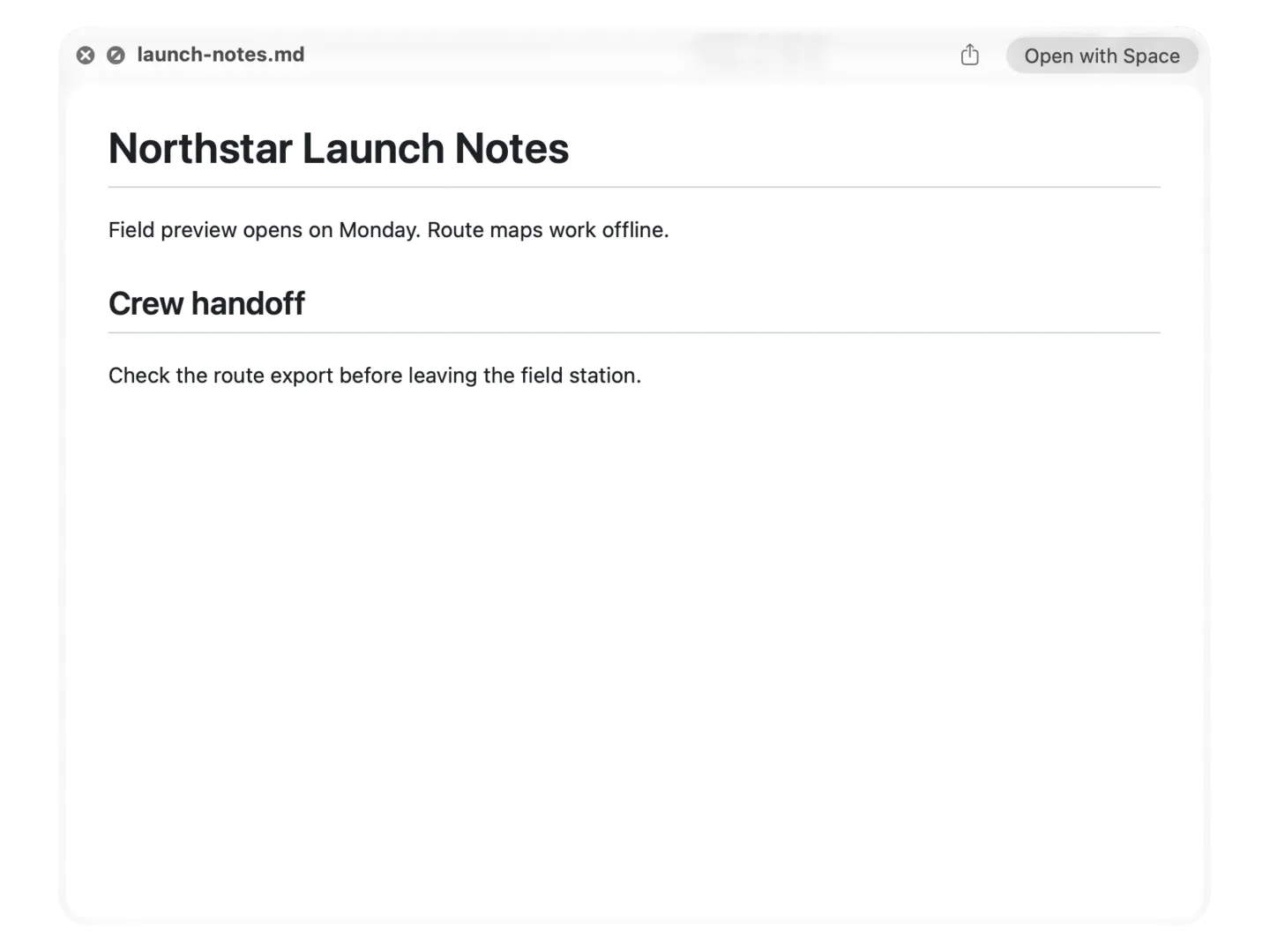
Write Markdown
Section titled “Write Markdown”Markdown basics connects source and rendered editing. Continue with tables, images and writing, GFM and SFM syntax, embedded diagrams and export and compatibility.
Edit code and documents
Section titled “Edit code and documents”- Open, edit and save, then organize tabs and splits.
- Format data, fold structure and browse large files.
- Work with diagrams and canvases and document versions.
Work across apps
Section titled “Work across apps”| I want to… | Start here |
|---|---|
| Compose a short message or reuse something I copied | Quick Input, Quick Clipboard |
| Copy paths or create files in Finder | Finder Actions |
| Run a tool beside an open file or open a file from Terminal | Terminal sessions, The space command |
Make Space yours
Section titled “Make Space yours”Choose themes, customize shortcuts and find settings. Read measured benchmarks with their original build and method. For .ipynb JSON source, read Notebook file compatibility; Space does not include a dedicated notebook interface. If something is wrong, troubleshooting follows symptoms to recovery steps.
Use the search in the sidebar, or press ⌘K, to find a command or topic. Download information and the changelog describe release availability separately from these guides.