

Notebook file compatibility
An .ipynb file contains JSON. Use Space to inspect or edit the source as a text document.
[!HIGHLIGHT] {icon=“none” border=“none” fill=“#eff0f3”} Use your notebook application to run cells and view notebook output.
Inspect the source
Section titled “Inspect the source”Use File > Open… or Finder’s Open With to open a readable text copy in Space. The .ipynb extension is not advertised as a dedicated Space file type, and this guide does not promise automatic association or a rich Finder Quick Look preview. If the opening route does not offer Space for that extension, inspect a copy saved with a .json suffix instead of changing the original.
A minimal notebook file contains JSON like this:
{ "cells": [ { "cell_type": "markdown", "id": "working-notes", "metadata": {}, "source": ["# Working notes"] } ], "metadata": {}, "nbformat": 4, "nbformat_minor": 5}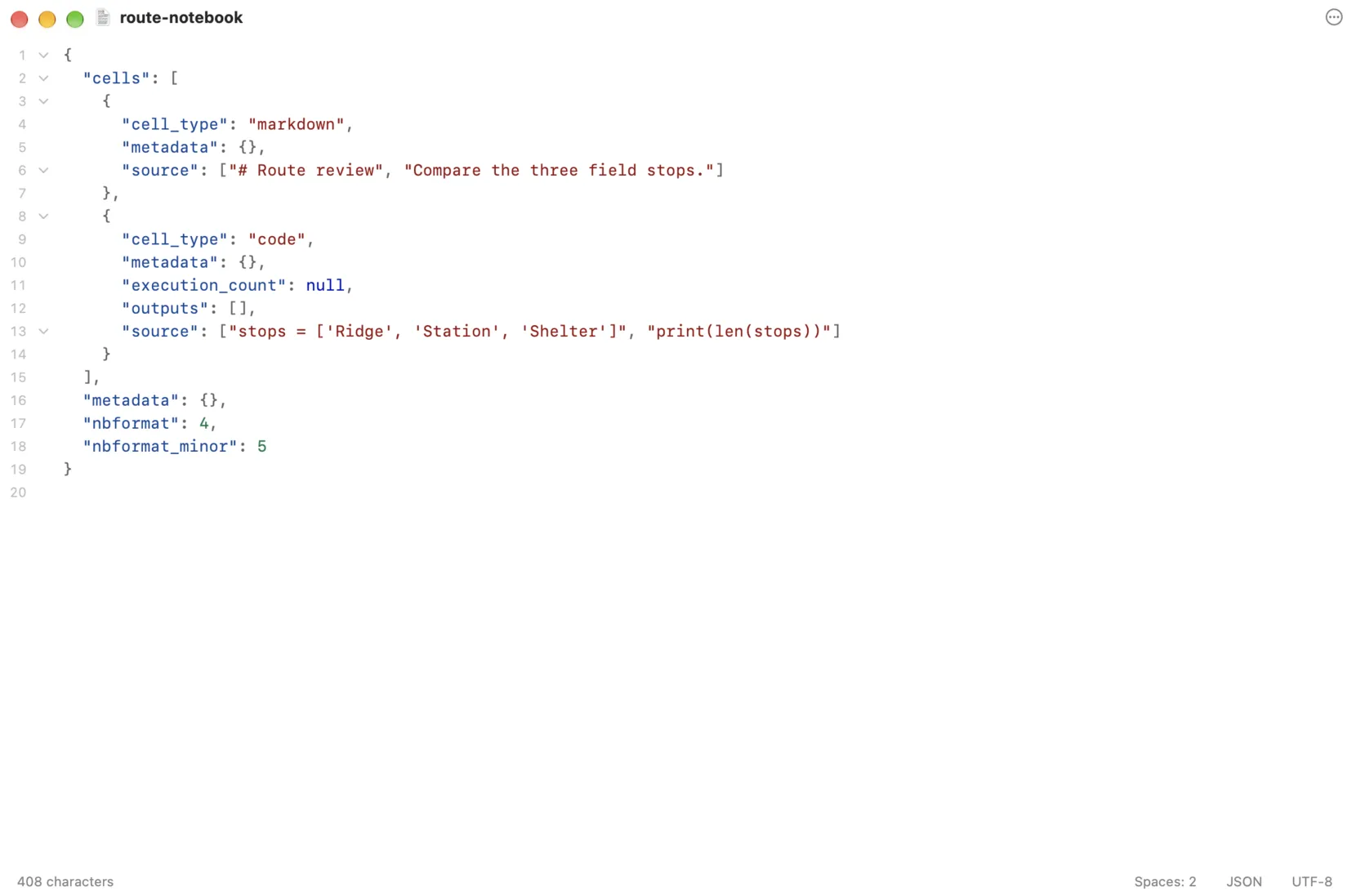
Edit carefully
Section titled “Edit carefully”JSON syntax highlighting or formatting helps inspect the file’s structure; it does not provide notebook semantics, cell execution or kernel management. Keep the original and check any source changes in the notebook application that produced the file. Renaming a copy to .json changes its opening route, not its contents.
For ordinary text and JSON workflows, see Opening and saving and Formatting. Quick Look covers currently supported preview behavior.