

Open and edit large text and log files on Mac
Open large text, JSON, JSON Lines and log files without requiring a rich document view of the entire file. Space selects an editing path based on content type and size; rendered Markdown has a separate budget.
Space shows the applicable rendering immediately and keeps resource work within its limits.
Add context
Section titled “Add context”Background indexing improves line numbers, full-document counts, complete syntax state and global Find without blocking editing.
Edit immediately, enhance context in the background
Section titled “Edit immediately, enhance context in the background”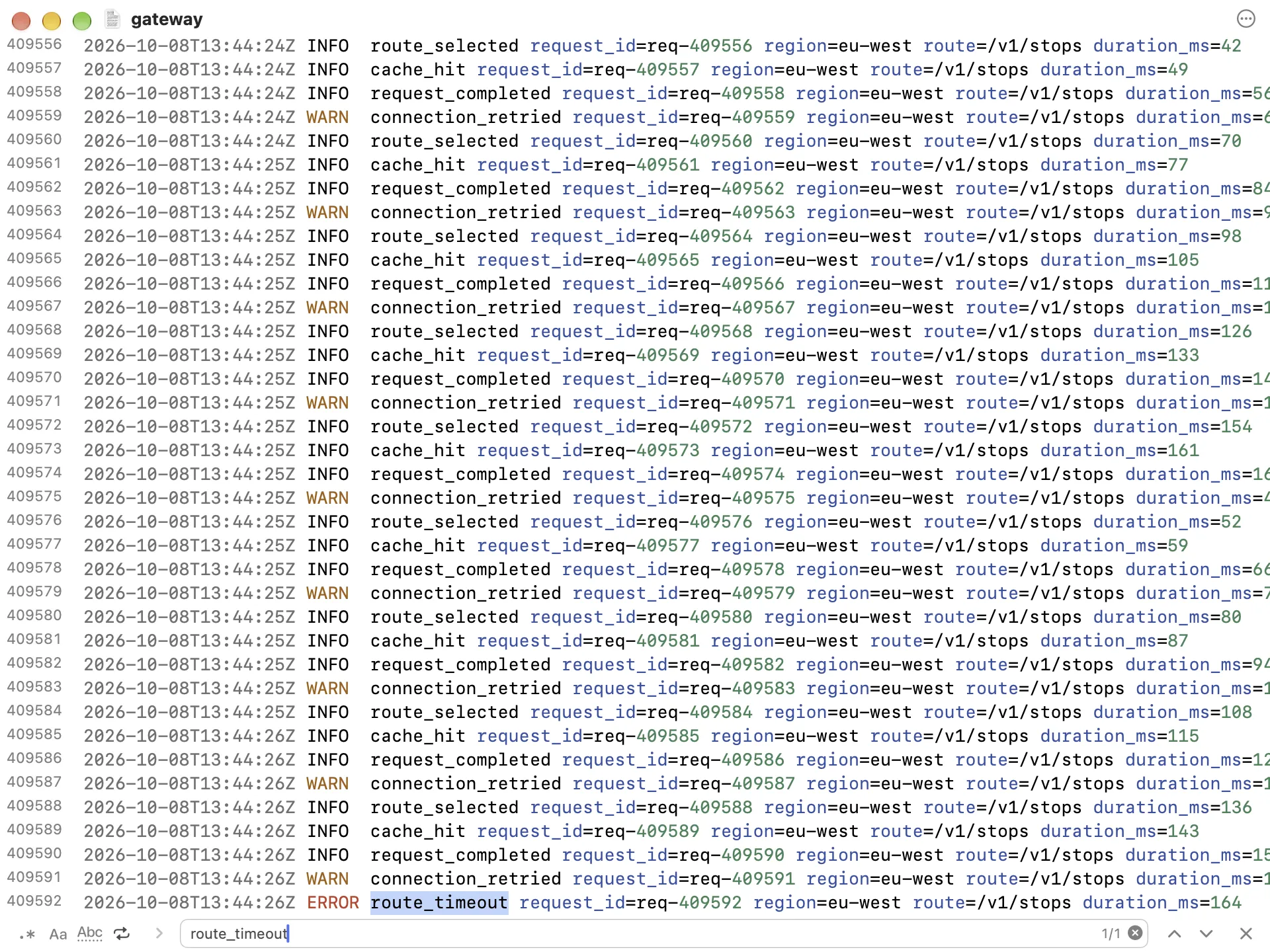
Supported text files at or above 8 MiB use the mapped text path. Space decodes visible rows as needed and makes editing available from the initial view. Background indexing adds line numbers, document counts, complete syntax state and global Find.
While indexing is active, a quiet status shows the indexed percentage and disappears when the exact document view is ready. Browse-mode Find can cancel a scan and matches within a line before indexing completes; a query that contains a line break explains that exact indexing is still running rather than reporting no matches.
Find highlights a nearby match when one is available. The full list builds in the background. Enter a different query to switch searches, or click the stop icon to cancel the current scan. Return and Shift-Return then move through cached positions and highlight matches without scanning again; while the background list is still growing, the panel shows the active numerator and a pending denominator. Editing the document immediately clears the old highlights and invalidates that list; pressing Return rebuilds matches against the edited text. A cache keeps at most the first 1,000,000 matches; larger results show a plus sign after the denominator.
A sequential-stateful encoding can need a decoder checkpoint before Space can safely edit an arbitrary cold byte. When that checkpoint is still pending, work at that location may wait; Space does not switch the document to a separate read-only browsing mode.
Content-specific limits
Section titled “Content-specific limits”| Content | Behavior |
|---|---|
| Code and logs | Complete syntax state has a 16 MiB budget; larger text can fall back to a simpler view |
| JSON and JSON Lines | Source editing; structure handling has its own node and nesting limits |
| Markdown | Rendered content is budgeted separately from opening the source |
| Plain text | Uses mapped text editing without syntax-coloring work |
Markdown’s rendered-view budget is 1.5 MiB and 42,933 lines. A document exceeding either gate uses source rather than forcing a rich layout. These are routing limits, not a promise that every smaller file opens in a particular number of milliseconds.
Quick Look
Section titled “Quick Look”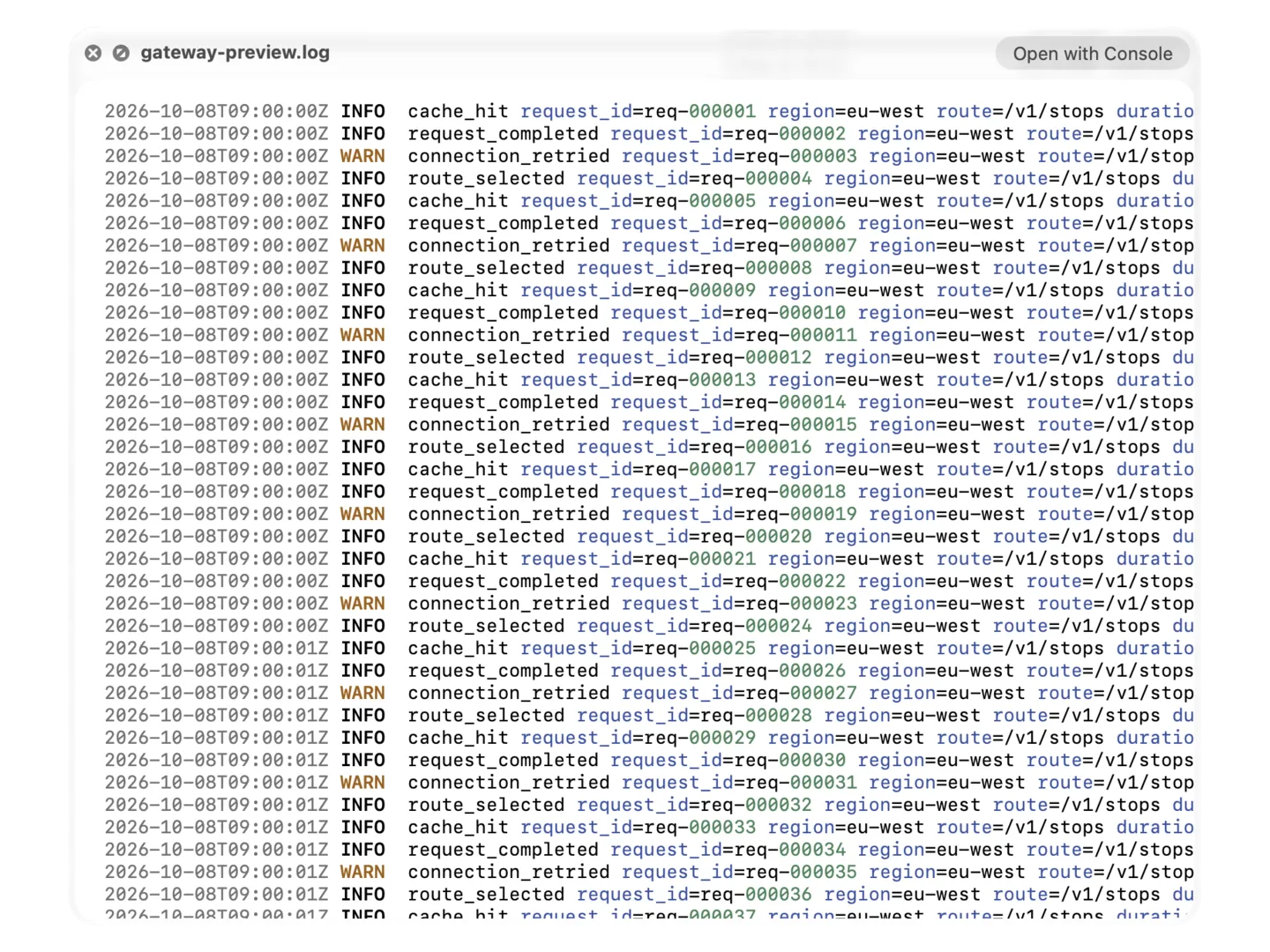
Select a supported file in Finder and press Space. The preview is read-only, including when it falls back to source or a simpler presentation. Quick Look does not provide the editor’s search or write controls. To search or edit, open the file in Space.
A large-file demo on the website is not a performance measurement. The benchmark guide retains the original machine, build, samples and measurement method; process-open timings do not measure Finder’s complete Quick Look first frame.
Reproducible sample
Section titled “Reproducible sample”To make a safe log sample in a temporary working folder:
from pathlib import Path
with Path("sample.log").open("x", encoding="utf-8") as log:    for line in range(200_000):        log.write(f"2026-01-01T12:00:00 INFO record={line} ready=true\n")
Preview this file in Finder, then open it in Space and check the editing state. The exclusive create mode keeps an existing sample.log intact. This sample passes the 8 MiB mapped-editing threshold.
If a view is simplified
Section titled “If a view is simplified”Use the source view and read the document’s notice. Keep the original file when exporting a copy or changing encoding. Opening and saving explains file preservation; troubleshooting covers preview registration and unsupported formats.