

Edit and present AI-generated Markdown on Mac
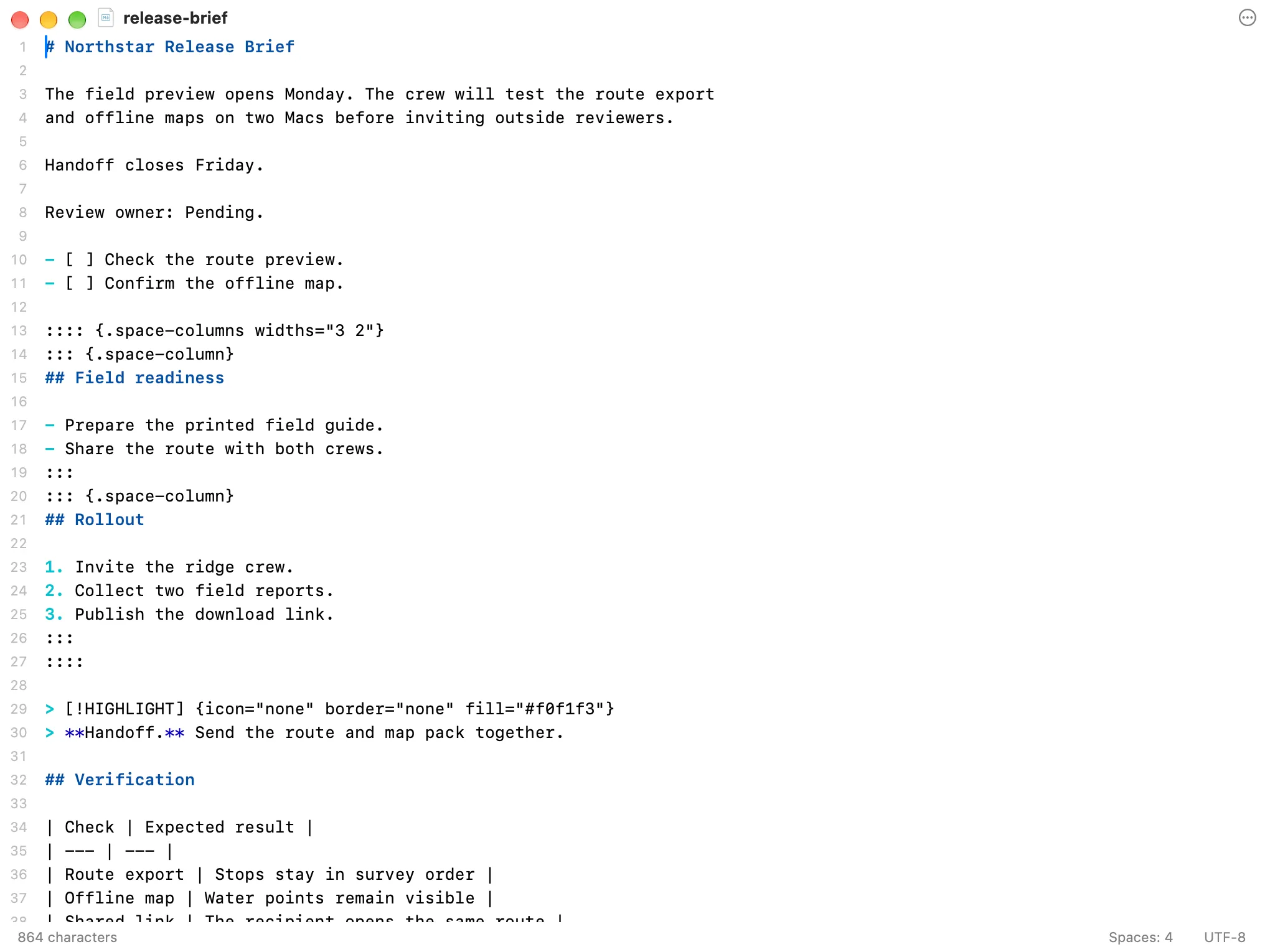
Space is a native Mac editor for AI-generated Markdown. Open an AI-written report, checklist, or set of technical notes as a regular .md file. Review the output in the rendered view, edit it in place, then use Space Flavored Markdown (SFM) to organize it for a reader.
Open the original Markdown
Section titled “Open the original Markdown”- Download the
.mdfile from your AI assistant and open it in Space. If you copied the Markdown instead, create a Markdown document, switch to source with ⌥⌘M, and paste. - If the assistant wrapped the entire answer in a
markdowncode fence, copy the contents of that wrapper. Keep any code fences inside the answer, such as those for code or Mermaid diagrams. - Return to the rendered view with ⌥⌘M. Review the headings, links, tables, and tasks for accuracy before using the document.
Edit the rendered document
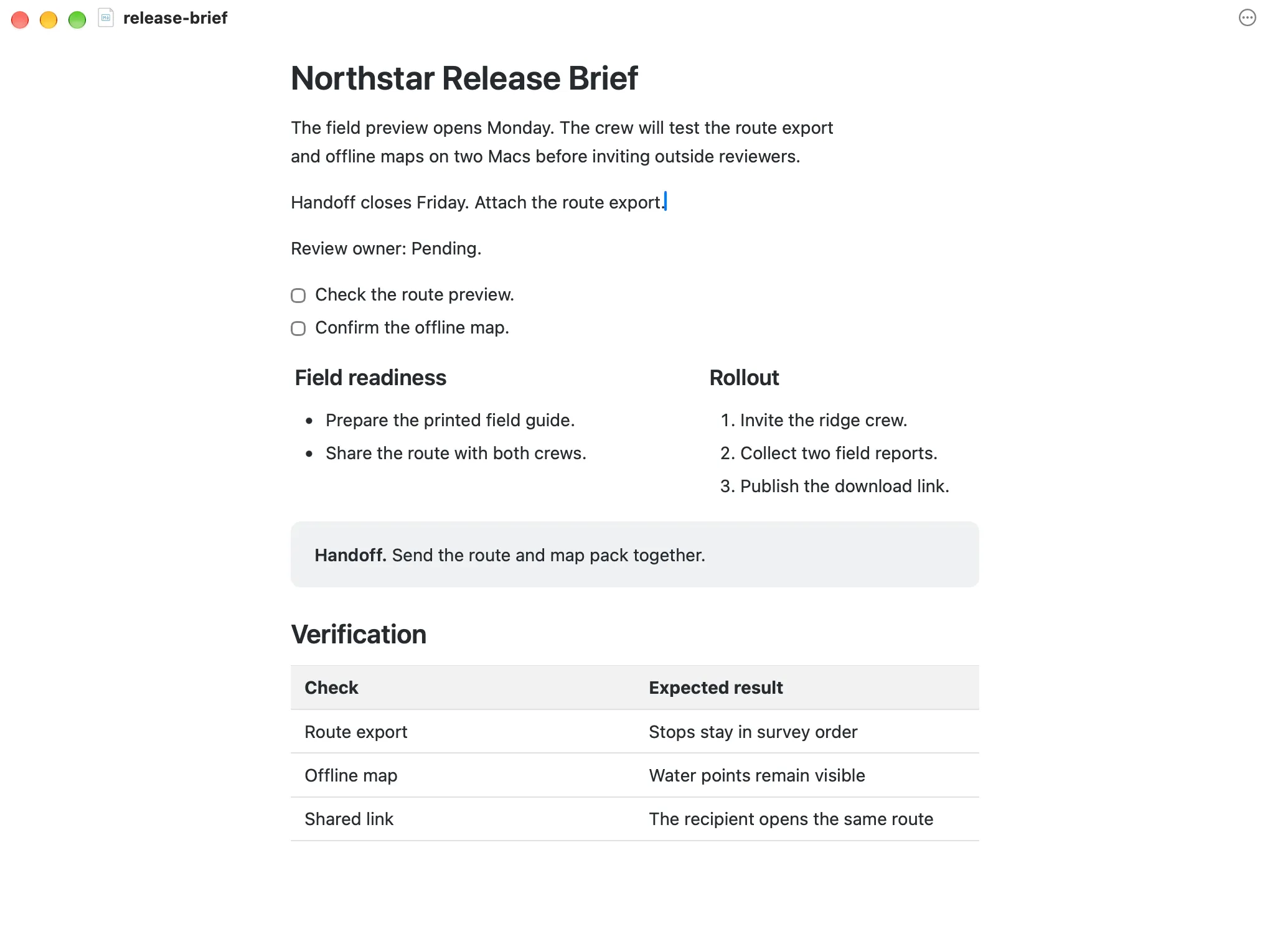
Section titled “Edit the rendered document”Type in the rendered view, correct a table, or check off a task. Use SFM columns to compare options side by side and a highlight block to surface a decision. Space writes your edits back to the underlying Markdown file.
Continue with an external AI tool
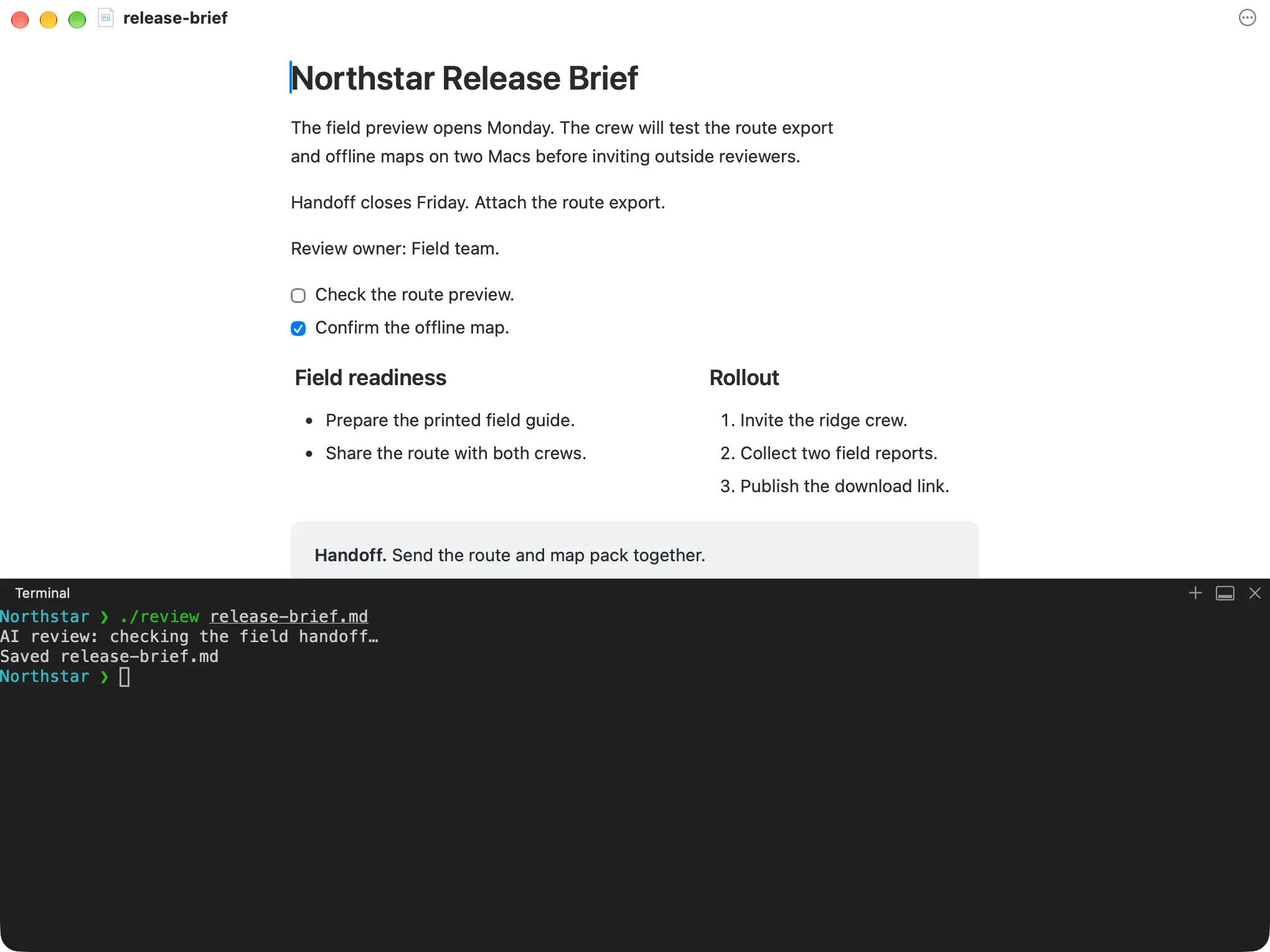
Section titled “Continue with an external AI tool”- Save the brief with ⌘S.
- Open the terminal session and ask your own AI tool to edit the saved
.mdfile. - Review the changes in Space. The editor reloads the external save when the open document has no unsaved edits.
Try a small SFM example
Section titled “Try a small SFM example”Paste this into the source view, then switch back to the rendered view.
## Release review
| Check | Status || --- | --- || Verify the source links | Ready || Confirm the acceptance criteria | In review |
> [!HIGHLIGHT] {icon="none" border="none" fill="#eff0f3"}> Check the original sources before presenting the summary.| Check | Status |
|---|---|
| Verify the source links | Ready |
| Confirm the acceptance criteria | In review |
[!HIGHLIGHT] {icon=“none” border=“none” fill=“#eff0f3”} Check the original sources before presenting the summary.
Choose how to display the result
Section titled “Choose how to display the result”| Task | Where to do it |
|---|---|
| Write, edit, or present a formatted document | Rendered editing and presentation |
| Check which tables, columns, highlights, and diagrams are supported | SFM syntax and compatibility |
| Preview the saved file before opening it | Finder Quick Look |
| Deliver a PDF, HTML page, or editable Word document | Convert Markdown to PDF, HTML, or Word |
For an AI-generated diagram, keep its language label on the fence and check supported diagram formats. If another reader shows an SFM block as source, use a supported export format for the intended audience.